Why Does My Mac Keep Opening Links in Safari?
Quick answer
Links land in Safari for one of five reasons: the default browser setting was never changed or has reverted, Launch Services has a stale handler cached, a Universal Link is routing to an app, the sending app has its own browser setting, or a browser reinstall re-registered the handler. Test them in that order.
You changed the setting. You are sure you changed the setting. And yet your Mac opens links in Safari instead of Chrome — maybe every link, maybe only the ones from Mail, maybe only since last Tuesday's update. The frustration comes from assuming one switch governs all of it. It does not: five separate mechanisms can put a link in Safari, and they need different fixes.
This is a diagnostic guide, ordered from most to least common. Work down it and stop at the first thing that matches — the later fixes get heavy-handed, and there is no reason to rebuild a system database over a checkbox.
Where is the default browser setting on macOS?
On current macOS it lives in System Settings → Desktop & Dock → Default web browser, near the bottom of that pane. On older releases it was System Preferences → General → Default web browser. Some versions surface the same control in a default-applications section as well; they all write the same underlying Launch Services setting, so it makes no difference which you touch.
The other route is the browser's own prompt — Chrome, Firefox and Edge all offer to make themselves default on launch, and accepting shows a macOS confirmation sheet. That sheet is a real permission gate, and dismissing it on the wrong button is one of the quieter ways this setting fails to stick. Full walkthrough: how to change your default browser on a Mac.
Why does the default browser keep reverting to Safari?
Because the setting is a registration, not a preference, and registrations get overwritten. The handler map lives in `~/Library/Preferences/com.apple.LaunchServices/com.apple.launchservices.secure.plist`, and several ordinary events cause it to be rewritten or re-evaluated.
- Major macOS updates. The installer re-registers system applications, and Safari's claim on http and https can win in the process.
- Reinstalling or moving a browser. This re-registers its bundle, and can leave the handler pointing at a path that no longer exists — which falls back to Safari.
- Migration Assistant. A migrated preferences file can reference an app not yet installed on the new machine.
- Duplicate copies of the same browser. A stale copy in ~/Downloads gives Launch Services two candidates and no reliable way to prefer yours.
- Managed Macs. A configuration profile can set or pin the default browser at the fleet level.
The most productive cleanup is the fourth: find duplicate browser bundles, delete everything outside /Applications, empty the Trash, and set the default again.
How do you reset the Launch Services database?
When the setting is correct, no duplicates exist, and links still go to Safari, the handler database itself is stale. The tool that manages it is `lsregister`, which lives inside the CoreServices framework and is not on your PATH. This is a last resort, not a first move.
- Quit your browsers.
- Run: `/System/Library/Frameworks/CoreServices.framework/Frameworks/LaunchServices.framework/Support/lsregister -kill -r -domain local -domain system -domain user`
- Wait — it rebuilds the database by rescanning application bundles, and can take a minute or two on a full disk.
- Log out and back in, or restart, so running processes pick up the rebuilt database.
- Set your default browser again, because the rebuild clears your choice along with the stale entries.
Expect side effects: the rebuild resets *all* file-type and scheme associations, so the app that opens .md or .psd files may need setting again too. It also clears duplicate entries from the Open With menu, which is the traditional reason people run this command.
Why do some links open an app instead of a browser?
That is Universal Links, and it is deliberate. A Mac app can claim specific web domains by declaring associated domains, which macOS verifies against an `apple-app-site-association` file served by that domain. Once verified, a link to a covered URL opens the app rather than any browser — the point being that a link to a message thread should land in the messaging app.
It surprises people because it bypasses the default browser completely and has no global switch. The per-link escape is to hold Cmd while clicking, which many apps interpret as open in browser instead, or to right-click, copy the link, and paste it into a browser.
The mirror image is more useful than the annoyance: if an app can claim a link, a router can too. Deliberately sending meeting links to native clients is the whole subject of making Zoom and Meet links open in the right app.
Which apps ignore the default browser entirely?
Some apps never ask macOS at all. They either carry their own browser preference or render the page inside themselves, and no system setting reaches them.
| Behaviour | Typical culprits | Where the fix lives |
|---|---|---|
| Own browser preference | Outlook, Teams, other Microsoft clients | The app's own settings |
| In-app web view | Chat and social clients, many RSS readers | A preference such as open links in default browser |
| Universal Link claim | Messaging, design and note-taking clients | Cmd-click, or copy the link out |
| Hard-coded browser | A few enterprise and installer tools | Usually nothing — route around it |
| Correct behaviour | Mail, Notes, Terminal, Calendar, most Mac apps | The system default, which a router refines |
The Microsoft row is the one most people hit hardest, because it covers apps they use all day and the setting sits in a different place in each client. That case has its own walkthrough in Outlook and Teams links opening in the wrong browser.
What is the permanent fix?
For the settings and cache problems above, the fixes are genuine fixes. What they cannot solve is the underlying design: one default browser is one answer, and the moment you keep two browsers for two identities, that answer is wrong roughly half the time.
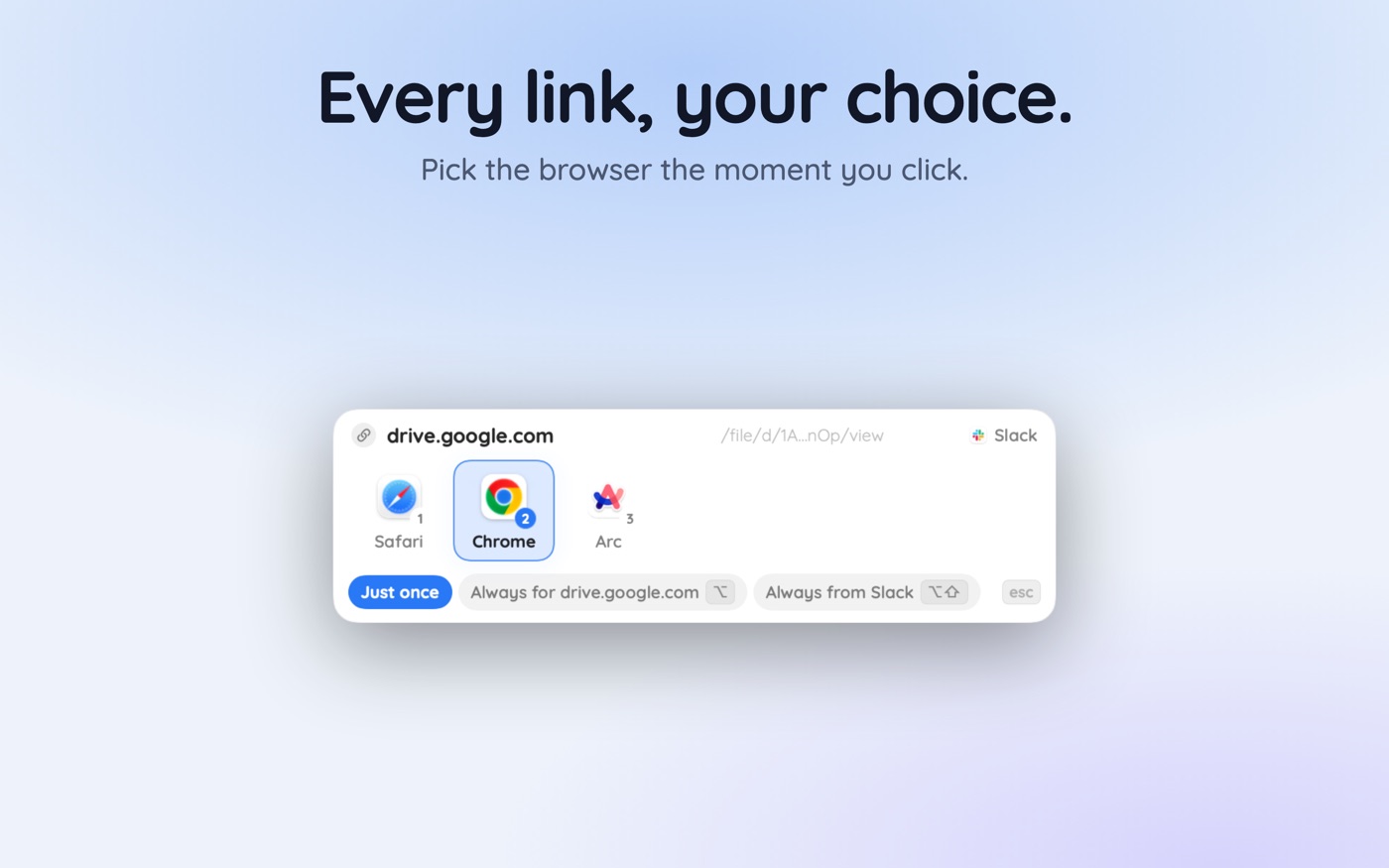
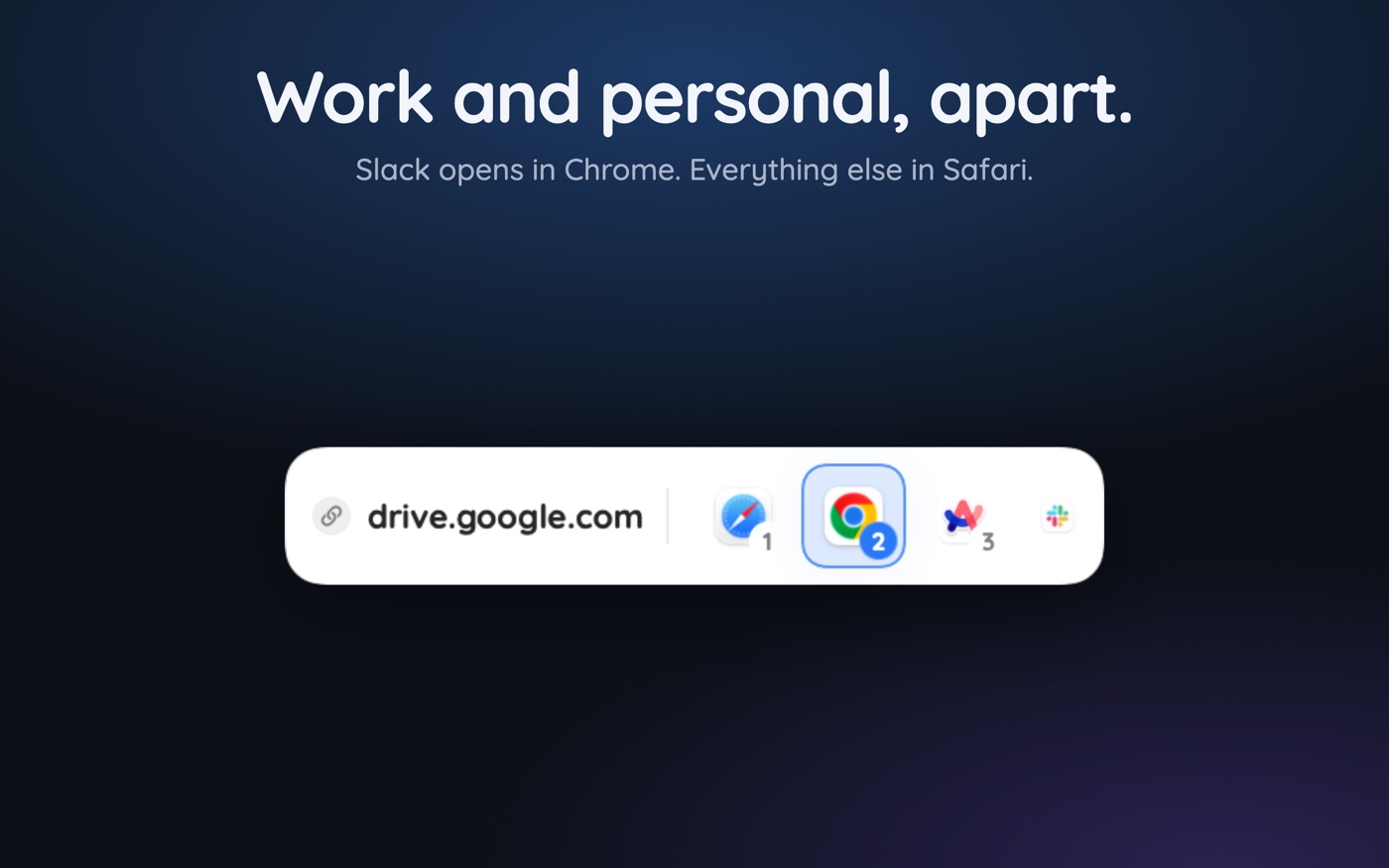
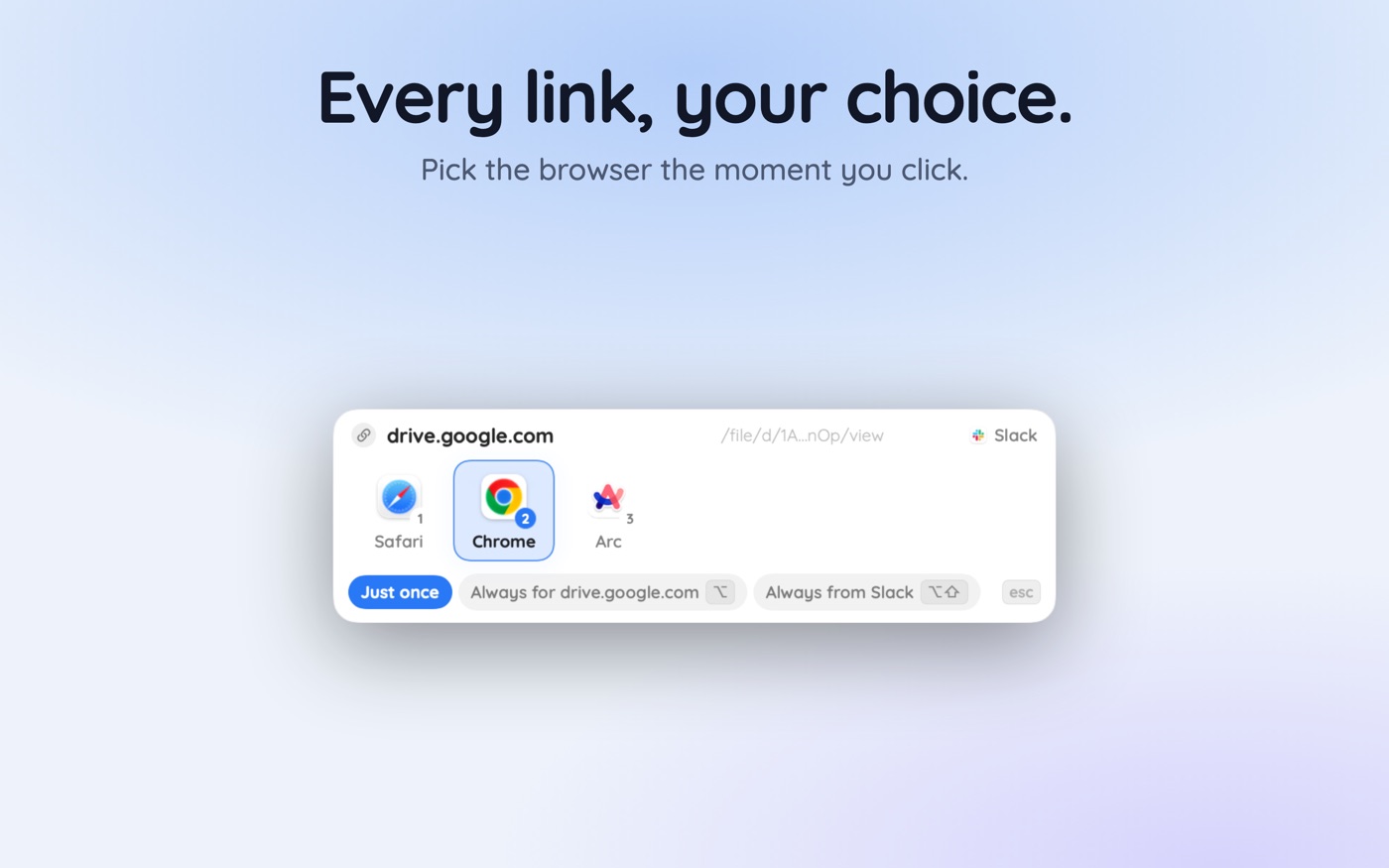
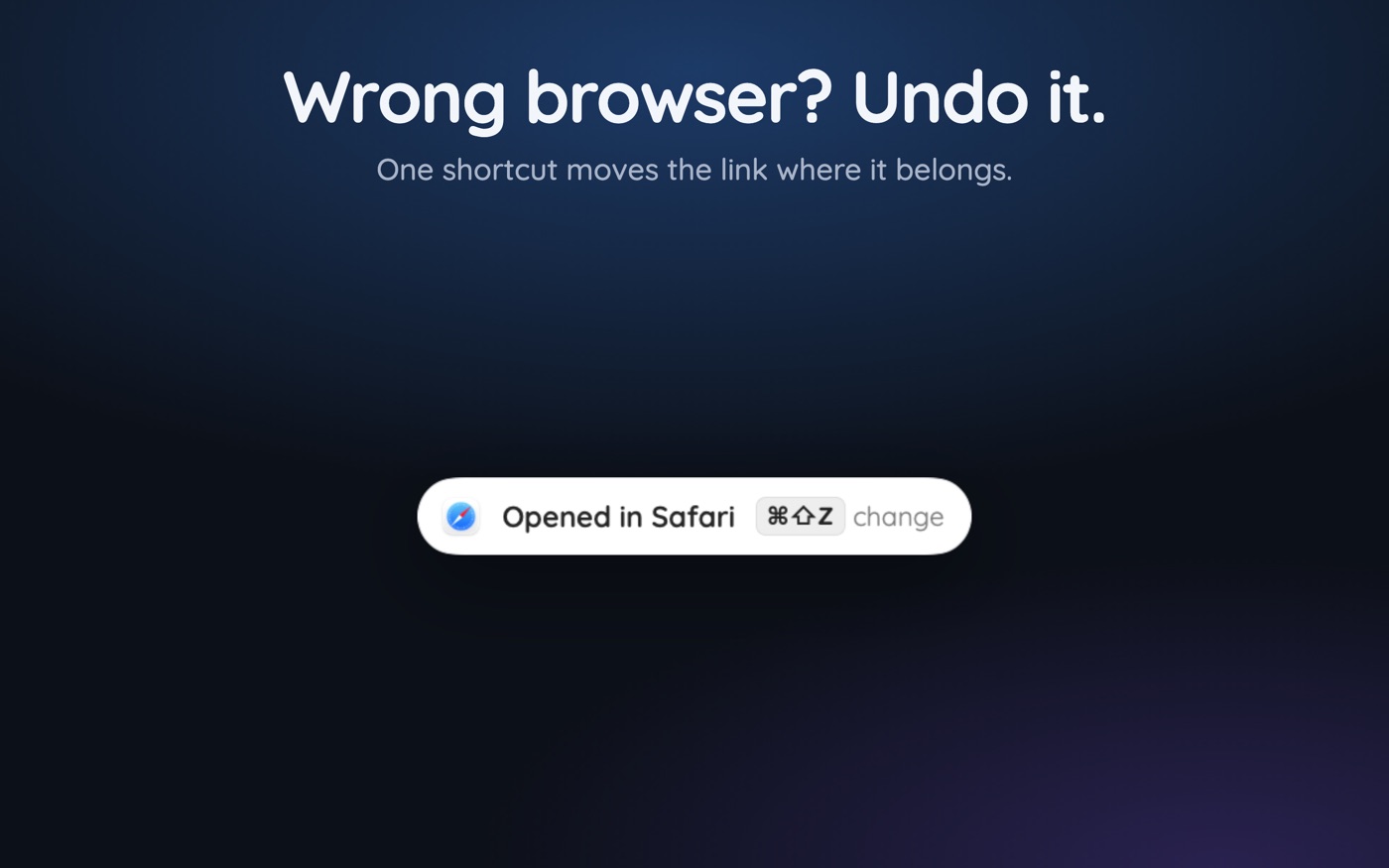
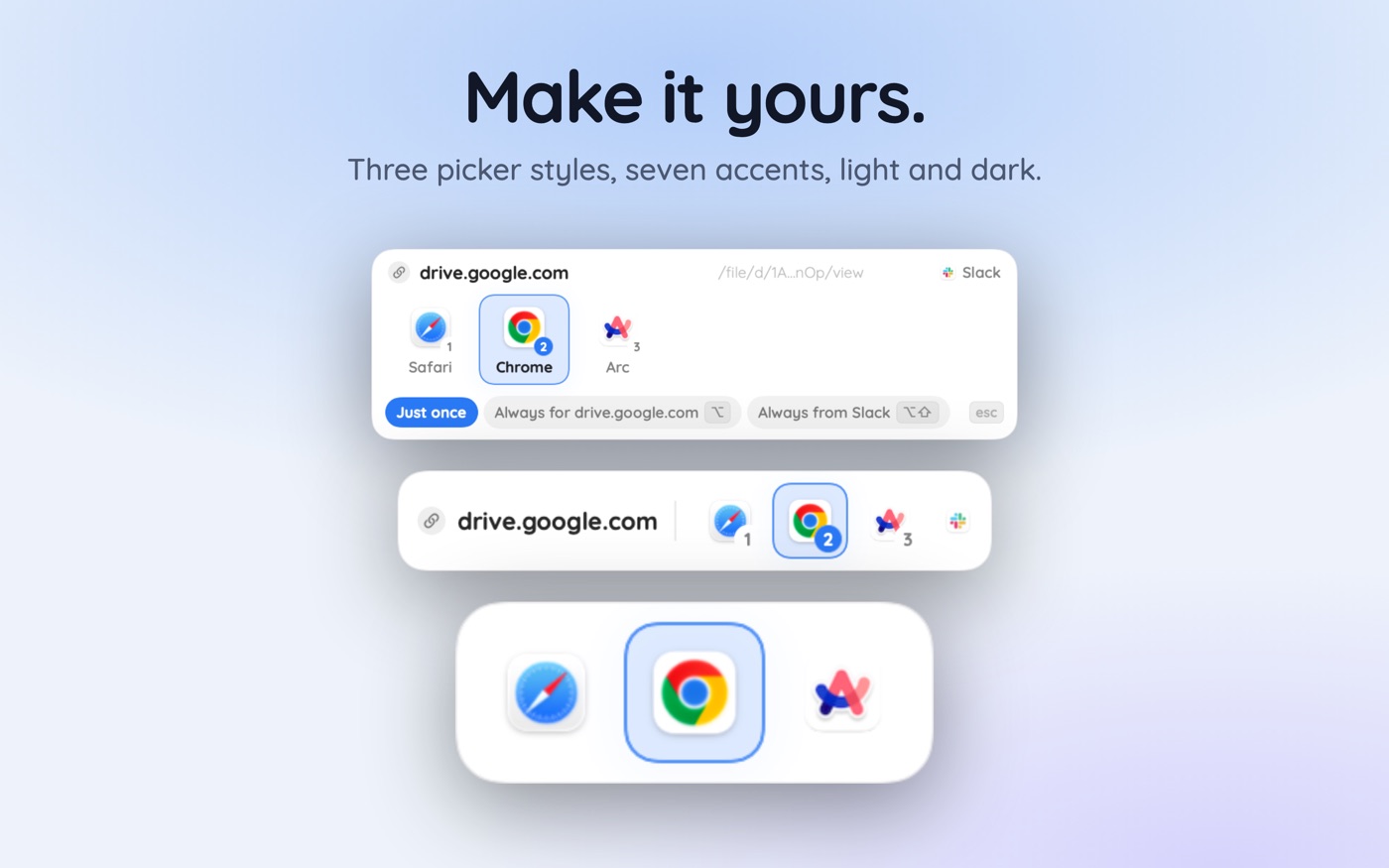
That is what a router changes. With a browser picker like Hoplink registered as the default handler, the system-level question is answered once — the picker holds the slot, so nothing quietly reverts to Safari — and the per-link decision moves to where the context is. A site rule can still send one specific domain to Safari, precisely because Safari is genuinely better for it.
Starting from the usual position of two browsers and a mess of accounts, the practical build-out is in managing multiple browsers on macOS.
Key takeaways
- Test with `open https://example.com` in Terminal first — it isolates a system-level problem from an app-level one.
- Duplicate browser copies outside /Applications are a common reason the default will not stay set.
- Major macOS updates and browser reinstalls re-register URL handlers and can hand http back to Safari.
- The lsregister rebuild is a genuine last resort: it resets every file and scheme association, not just the browser.
- Universal Links open apps by design and bypass the default browser; Cmd-click is the usual per-link escape.
- Outlook, Teams and in-app web views never consult the system default — those fixes live inside each app.
Skip the guesswork — scan it
Hoplink: every link, your choice — a browser picker for the mac.
Frequently asked questions
Why do links open in Safari when Chrome is my default?
Most often the setting reverted after an update or a browser reinstall, or a duplicate copy of Chrome is confusing Launch Services. Test with open https://example.com in Terminal: if that opens Chrome, the system is fine and the sending app has its own override.
Where do I change the default browser on macOS?
System Settings → Desktop & Dock → Default web browser on current releases, or System Preferences → General on older ones. Browsers also offer to set themselves default on launch, which triggers a macOS confirmation sheet you have to accept for the change to take.
Why does my default browser keep changing back?
The setting is a Launch Services registration rather than a simple preference, so it gets rewritten by major macOS updates, by reinstalling or moving a browser, by migration from another Mac, or by a duplicate browser bundle sitting outside the Applications folder.
What does lsregister -kill -r actually do?
It clears and rebuilds the Launch Services database by rescanning application bundles across the local, system, and user domains. That fixes stale or duplicated handler entries, but it also resets every file-type and URL-scheme association, so you will reassign several defaults afterwards.
Why does clicking a link open an app instead of my browser?
That is a Universal Link. An installed app has claimed that domain through a verified associated-domains declaration, so macOS delivers the URL to the app and never consults your default browser. Holding Cmd while clicking often opens it in a browser instead.
Is there a way to stop this happening permanently?
Put something you control in the default-browser slot. A link router holds the handler registration, so updates cannot quietly hand it back to Safari, and the actual destination is then decided per site or per source app rather than by one global setting.
Written by the Toscan Apps Team
We build AI identifier apps and test them against the real world daily — estate-sale furniture, garden soil, drawer-found seeds, lumber-yard offcuts, and houseplants included. Guides are checked against field references and refreshed as our models improve.