How to Make Zoom and Google Meet Links Open in the Right App
Quick answer
A Zoom link is a web page whose only job is to trigger the `zoommtg://` URL scheme, so the browser tab is a launcher rather than a destination. Rewriting the https link into the app's own scheme opens Zoom directly, and a rule can send Meet links to the Chrome profile that owns the account.
The meeting starts in forty seconds. You click the link in the reminder, a browser tab opens, a dialog asks whether to allow the site to open Zoom Meetings, you click Allow, and the app finally appears. When people say Zoom links should open in the app on Mac, that four-step detour is what they want gone — and it is entirely mechanical, which means it can be removed.
Below: what each step in that chain is doing, how the `zoommtg://` scheme works, why Google Meet behaves differently, and how link rewriting sends meeting links straight to the native app or the profile that already holds the right account.
Why does a Zoom link open a browser first?
Because the link you were given is a web address, and web addresses go to browsers. A Zoom invite contains something like `https://zoom.us/j/1234567890` or `https://yourcompany.zoom.us/j/1234567890?pwd=...`. That page's real purpose is not to show you anything: it loads, detects your platform, and immediately attempts to open a `zoommtg://` URL. macOS sees a scheme it recognises and launches Zoom.
The design makes sense from Zoom's side. The same link has to work for someone with the app, someone without it, and someone joining from the browser, so the page acts as a dispatcher. The permission dialog exists because a website is asking to launch a native application, which browsers rightly treat as a decision.
- The invite link is https, so it goes to whatever your Mac's default handler for http and https is.
- The page redirects to zoommtg://, a custom scheme claimed by the Zoom app.
- The browser asks permission before handing off, unless you ticked the always-allow box.
- The now-useless tab stays open behind the meeting, which is its own small annoyance.
What is the zoommtg:// scheme and how do you use it?
`zoommtg://` is Zoom's own URL scheme, registered by the desktop client at install. Handing macOS a URL in that form launches the client with no browser involved. The join form looks like `zoommtg://zoom.us/join?action=join&confno=1234567890&pwd=...`, and a company-hosted meeting uses the tenant host in the same position, as in `zoommtg://yourcompany.zoom.us/join?...`.
You can test it immediately. Copy a meeting number out of an invite and run this in Terminal, which is the same call macOS makes internally when the dispatcher page redirects:
- `open "zoommtg://zoom.us/join?action=join&confno=1234567890"` — joins directly, no tab, no dialog.
- The `pwd` parameter carries the encrypted passcode already present in the invite's `?pwd=` query string.
- If nothing happens, the Zoom client is not installed or has not registered its handler.
That is the whole trick. The browser was adding nothing except latency and a dialog.
Why does Google Meet insist on Chrome?
Meet is the opposite case: there is no Mac desktop app to route to, so a Meet link genuinely belongs in a browser. The question is only *which* one. Meet runs on a Google account, and the signed-in account is a property of the browser profile — which is why a `meet.google.com/abc-defg-hij` link opened in the wrong place shows a wrong-account wall instead of a join screen.
Google encodes the account in the path. A URL with `/u/0/` targets the first signed-in account in that profile, `/u/1/` the second — convenient until the numbering differs between profiles, at which point the index points at somebody else. The reliable approach is to route by profile rather than by index: send meet.google.com to the profile holding the work account and let `/u/0/` resolve correctly there, as described in opening links in a specific Chrome profile.
How does URL rewriting send a link straight to the app?
A link router sits where the browser used to sit: it receives the https URL from the calendar, chat, or mail, recognises the pattern, and transforms it before anything opens. A `zoom.us/j/<id>` link becomes a `zoommtg://` join URL. A `teams.microsoft.com/l/meetup-join/` link goes to the Teams client through `msteams://`. A `meet.google.com` link stays https but is aimed at a named Chrome profile. Nothing renders a dispatcher page, so nothing asks permission.
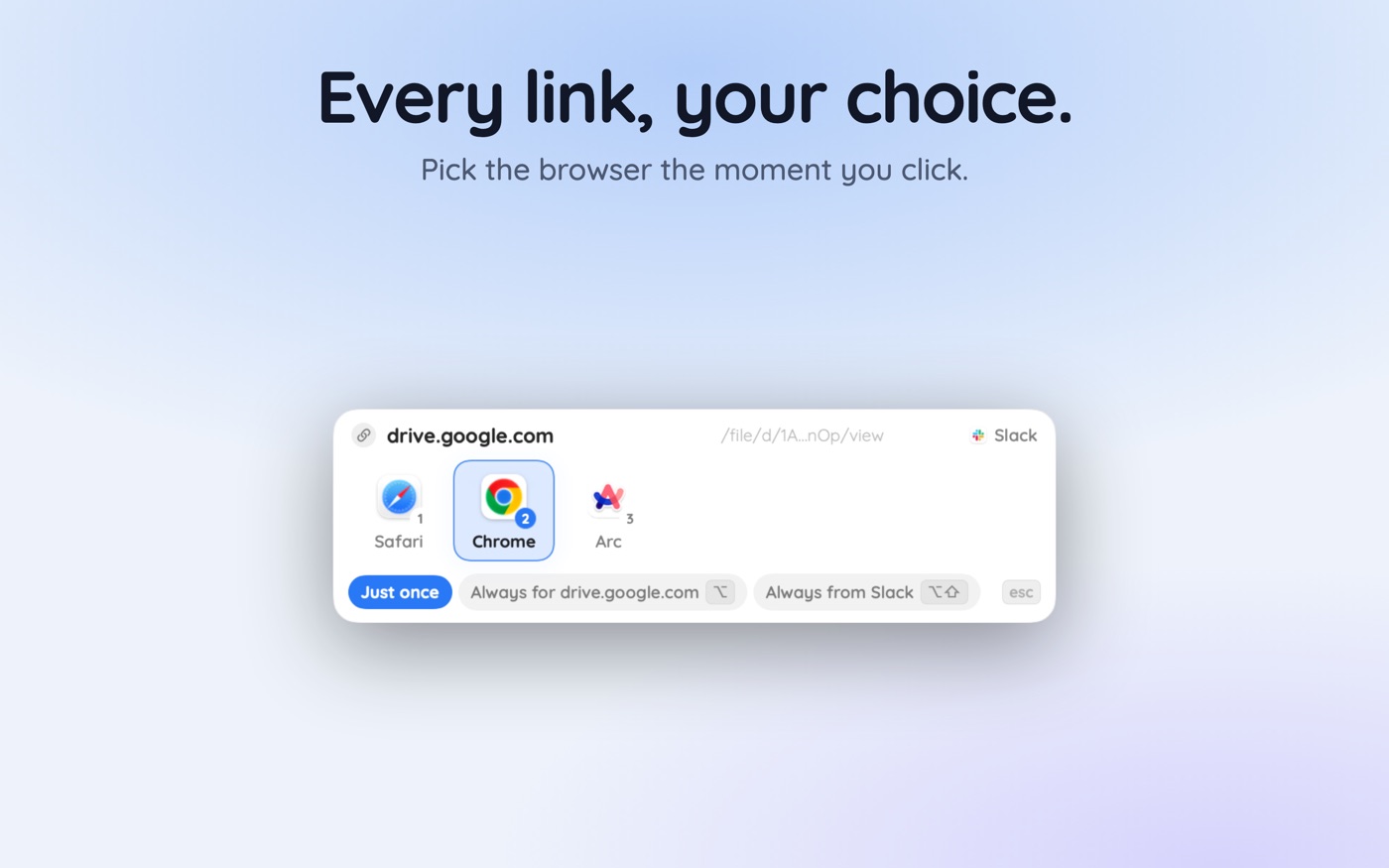
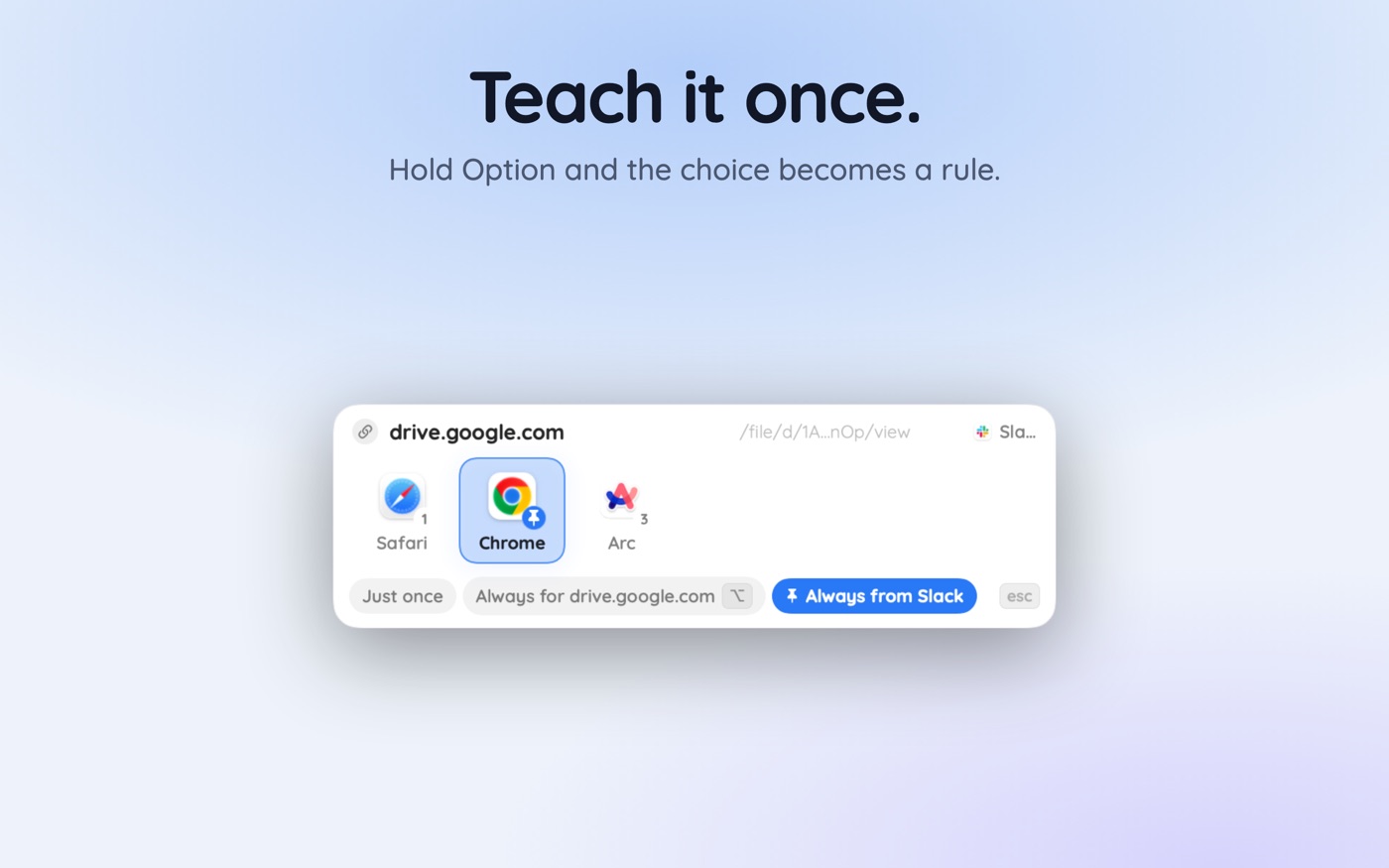
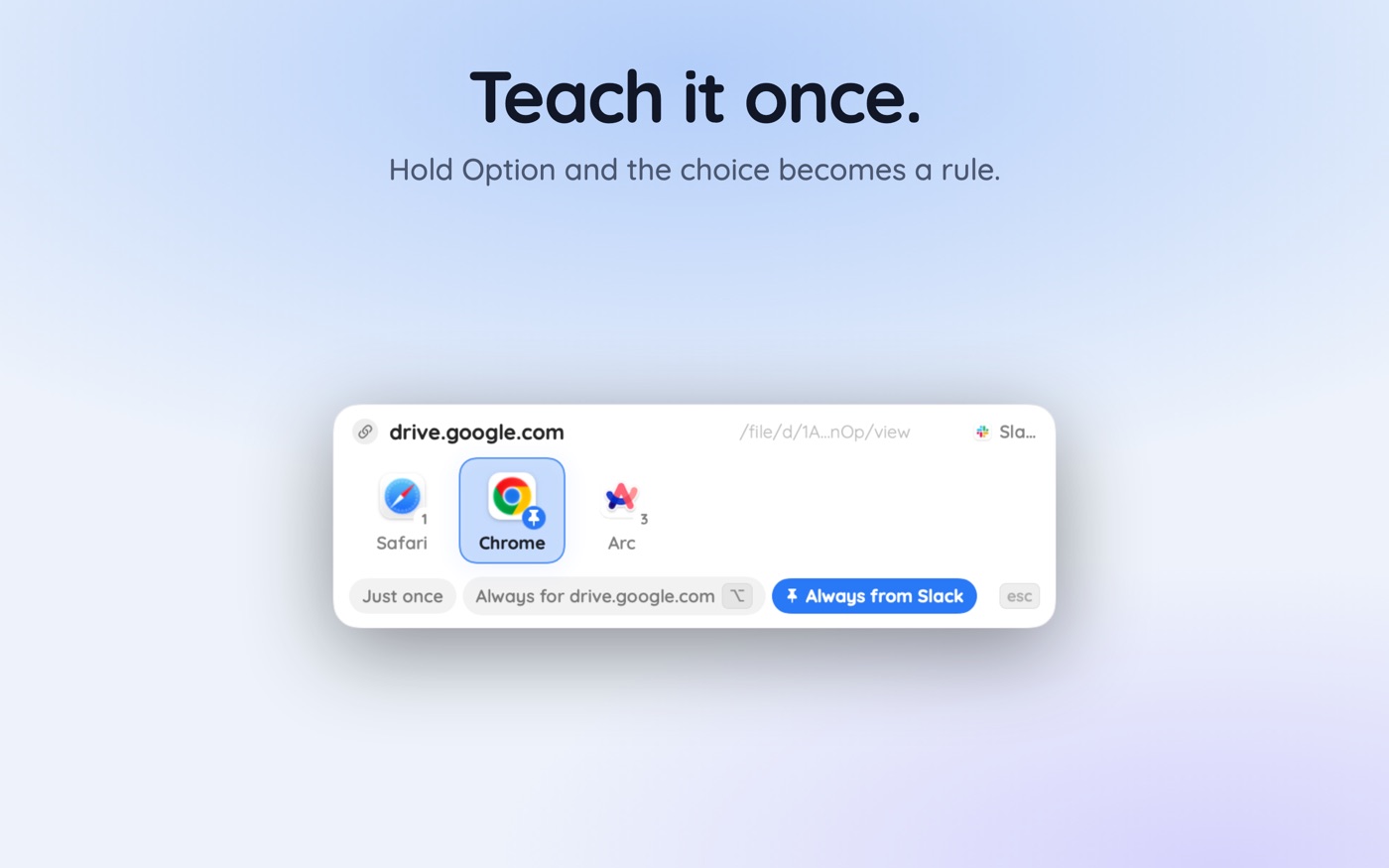
With a browser picker like Hoplink in the default-browser slot, the rule is created like any other: choose the destination once while holding Option and that choice becomes permanent for that site. Meeting links are the best argument for silent rules, because they are where a five-second delay is a room full of people watching you not be there yet.
Two practical notes. Keep an escape hatch — some organisations restrict the desktop client and the browser join is the only one that works. And source rules matter as much as site rules: a link from the calendar and the same link pasted into chat should behave identically, which is the reasoning behind fixing Slack links that open in the wrong browser.
Where is each service best opened?
| Service | Link you receive | Best destination | Mechanism |
|---|---|---|---|
| Zoom | zoom.us/j/… or tenant.zoom.us/j/… | Zoom desktop client | Rewrite to zoommtg://join |
| Microsoft Teams | teams.microsoft.com/l/meetup-join/… | Teams desktop client | msteams:// scheme |
| Google Meet | meet.google.com/abc-defg-hij | Chrome profile holding the account | Profile-targeted launch |
| Slack message or huddle | app.slack.com/… or slack.com/archives/… | Slack desktop app | slack:// scheme |
| Figma file | figma.com/file/… or /design/… | Figma desktop app | figma:// scheme |
| Notion page | notion.so/… | Notion desktop app | notion:// scheme |
| Webex | …webex.com/meet/… | Webex desktop app | webex:// scheme |
| Calendars, docs, dashboards | Ordinary https pages | The profile that owns the account | Site or source rule |
The pattern generalises past meetings: any Mac app with a desktop client tends to register a scheme. The exceptions are worth respecting — documentation, dashboards, and anything you want in a tab alongside other tabs is better left in a browser, where managing several browsers deliberately does more good.
How do calendar invites change the picture?
Calendar links are where this pays off most, because they are clicked under time pressure and from a notification rather than from a browser you were already using. The click can come from Calendar, from a notification banner, from a third-party calendar client, or from a reminder in chat — four source apps, one destination that should never vary.
That argues for a site rule rather than a source rule: match the meeting domain, not the app that sent it, and every path to the same meeting behaves the same way. Keep source rules for the ambiguous cases — a personal calendar whose links should land in the personal browser — and let the more specific meeting rules win.
Key takeaways
- A Zoom invite is a dispatcher page: it loads only to redirect into the zoommtg:// scheme that launches the client.
- Rewriting zoom.us/j/<id> into zoommtg://zoom.us/join?confno=<id> skips the tab and the permission dialog entirely.
- Google Meet has no Mac app, so the target is the browser profile holding the right account, not an app.
- Account indexes like /u/0/ differ between profiles — route by profile rather than by index.
- Teams, Slack, Figma, Notion and Webex all register schemes, so their links can skip the browser too.
- Keep an undo available: some organisations restrict the desktop client and only the browser join works.
Skip the guesswork — scan it
Hoplink: every link, your choice — a browser picker for the mac.
Frequently asked questions
Why does a Zoom link open a browser tab first?
The invite is an https URL, so it goes to your default browser. That page exists only to redirect into the zoommtg:// scheme, which macOS hands to the Zoom client. The tab is a launcher, not a destination, which is why it is left blank behind the app.
What is the zoommtg:// URL scheme?
It is the custom scheme the Zoom desktop client registers with macOS on install. Any URL beginning zoommtg:// is delivered straight to the app rather than to a browser. You can try one from Terminal with the open command to confirm the handler is registered on your Mac.
Can Google Meet links open in an app on Mac?
Not on macOS — Meet has no desktop client, so the link belongs in a browser. What you can control is which browser and which profile, so the link lands in the profile already signed into the correct Google account instead of hitting a wrong-account wall.
Why does Meet say I'm signed in with the wrong account?
Because the signed-in account is a property of the browser profile that opened the link, and the /u/0/ or /u/1/ index in the URL points at a position in that profile's account list. Opening the same link in a different profile makes that index resolve to somebody else.
Do Teams meeting links work the same way as Zoom's?
Yes, structurally. A teams.microsoft.com meetup-join page loads in a browser and then triggers the msteams:// scheme so the desktop client takes over. Routing the original link at the app removes exactly the same round trip that Zoom's dispatcher page causes.
What if I need to join from the browser instead?
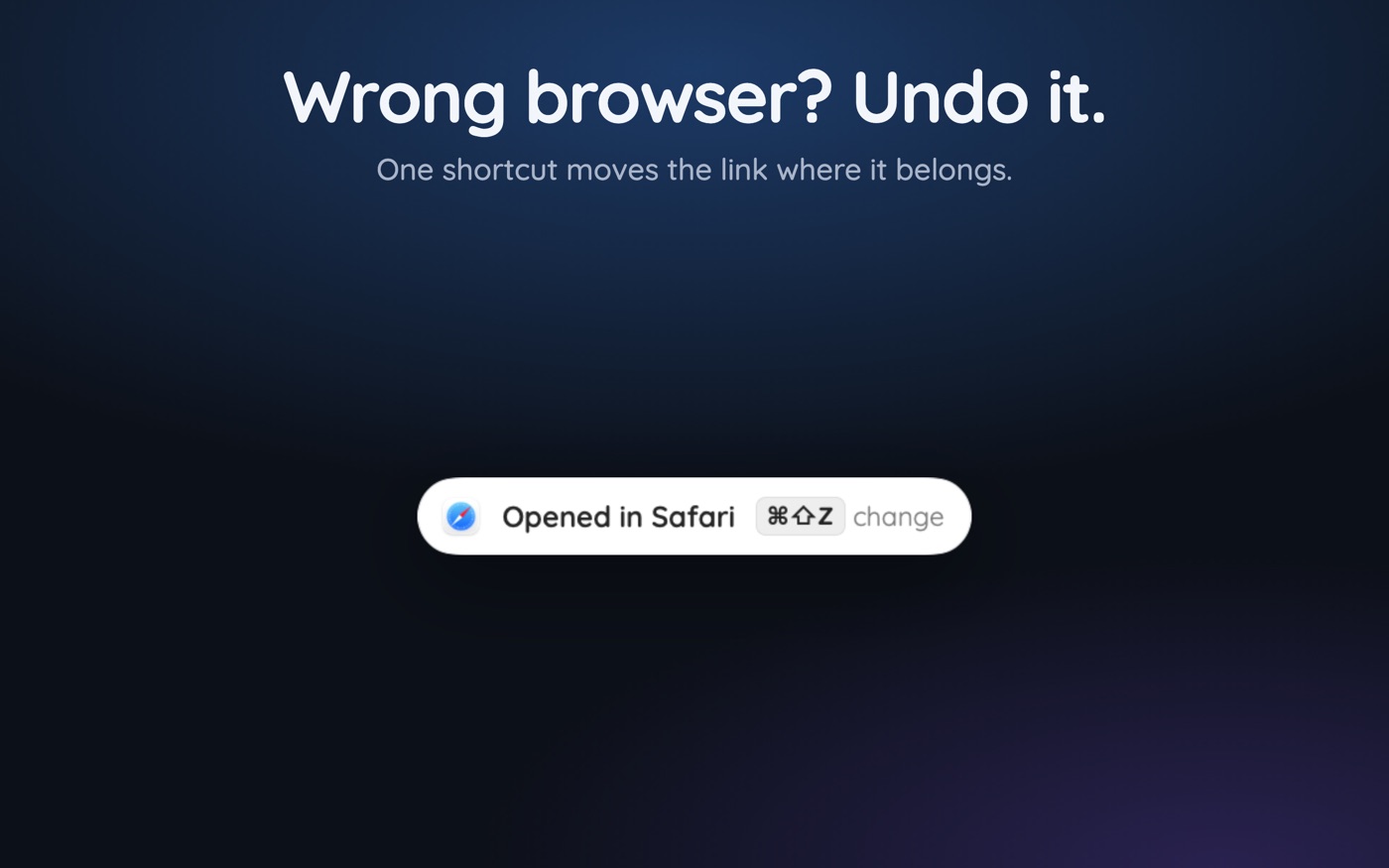
Keep an undo path. A good router lets you reopen the last routed link somewhere else with a keyboard shortcut, which covers the cases where a host has disabled client joining or you need to join as a guest without your signed-in identity attached.
Written by the Toscan Apps Team
We build AI identifier apps and test them against the real world daily — estate-sale furniture, garden soil, drawer-found seeds, lumber-yard offcuts, and houseplants included. Guides are checked against field references and refreshed as our models improve.