What Is a Browser Picker, and Do You Need One?
Quick answer
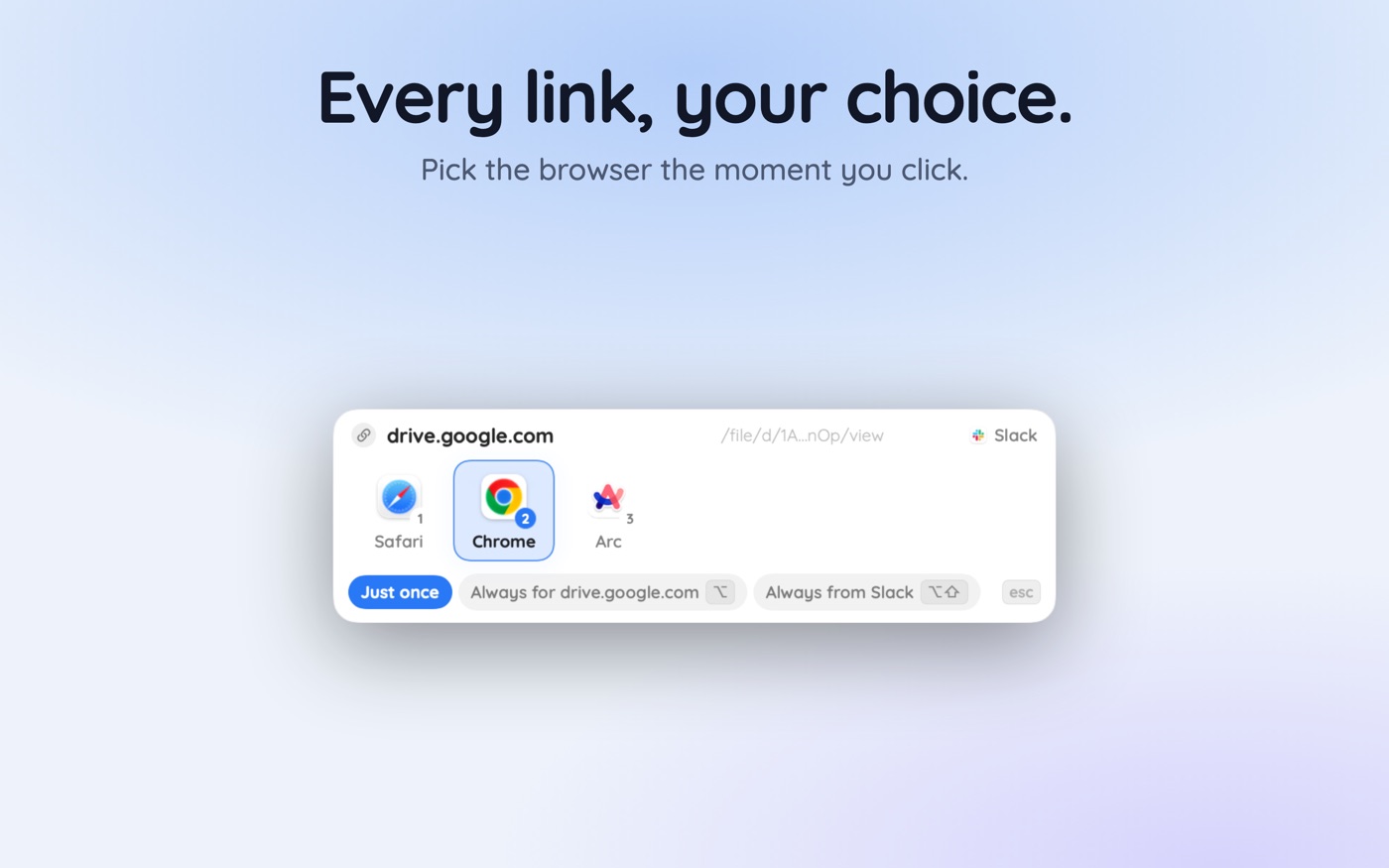
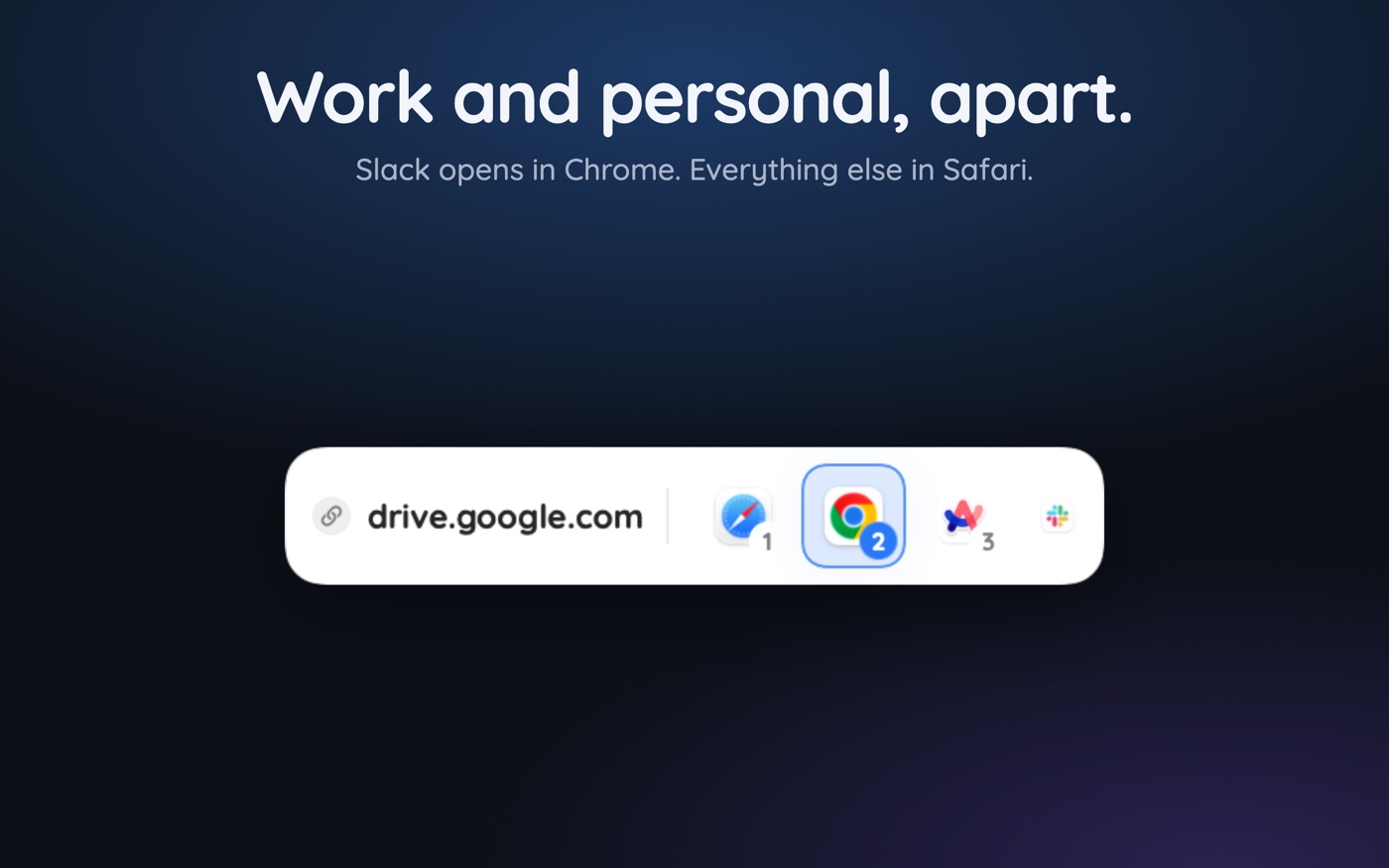
A browser picker is a small Mac app that registers itself as the default browser, then shows a menu of your installed browsers each time a link is clicked so you pick the destination. Choices can be saved as rules, so links later route silently by website or by the app that sent them.
The Mac's default browser setting asks you one question, once: where should every link in the world open? A browser picker replaces that single answer with a choice made at the moment it matters — a small menu appears when you click a link, and you send it wherever it belongs. Work link, work profile. Personal link, personal browser.
This is a category explainer rather than a pitch. Below: what these apps do, how they hook into macOS, the three genuinely different approaches to the problem, and who should close the tab and keep a single default.
What exactly is a browser picker?
It is a link router that happens to have a visible interface. You set it as your Mac's default browser, and from then on it stands between every clicked link and the browsers on your machine. It renders nothing and has no engine of its own — it receives a URL and decides which real browser should receive it.
Most live in the menu bar rather than the Dock, because there is nothing to look at between decisions. The decision surface is usually a compact panel under the mouse cursor listing installed browsers, often showing the source app and the destination domain so you know what you are opening and where it came from.
- It becomes the registered handler for http and https, not a browser in its own right.
- It shows a picker at click time, or applies a saved rule and stays silent.
- It can distinguish links by destination site and by which app sent them.
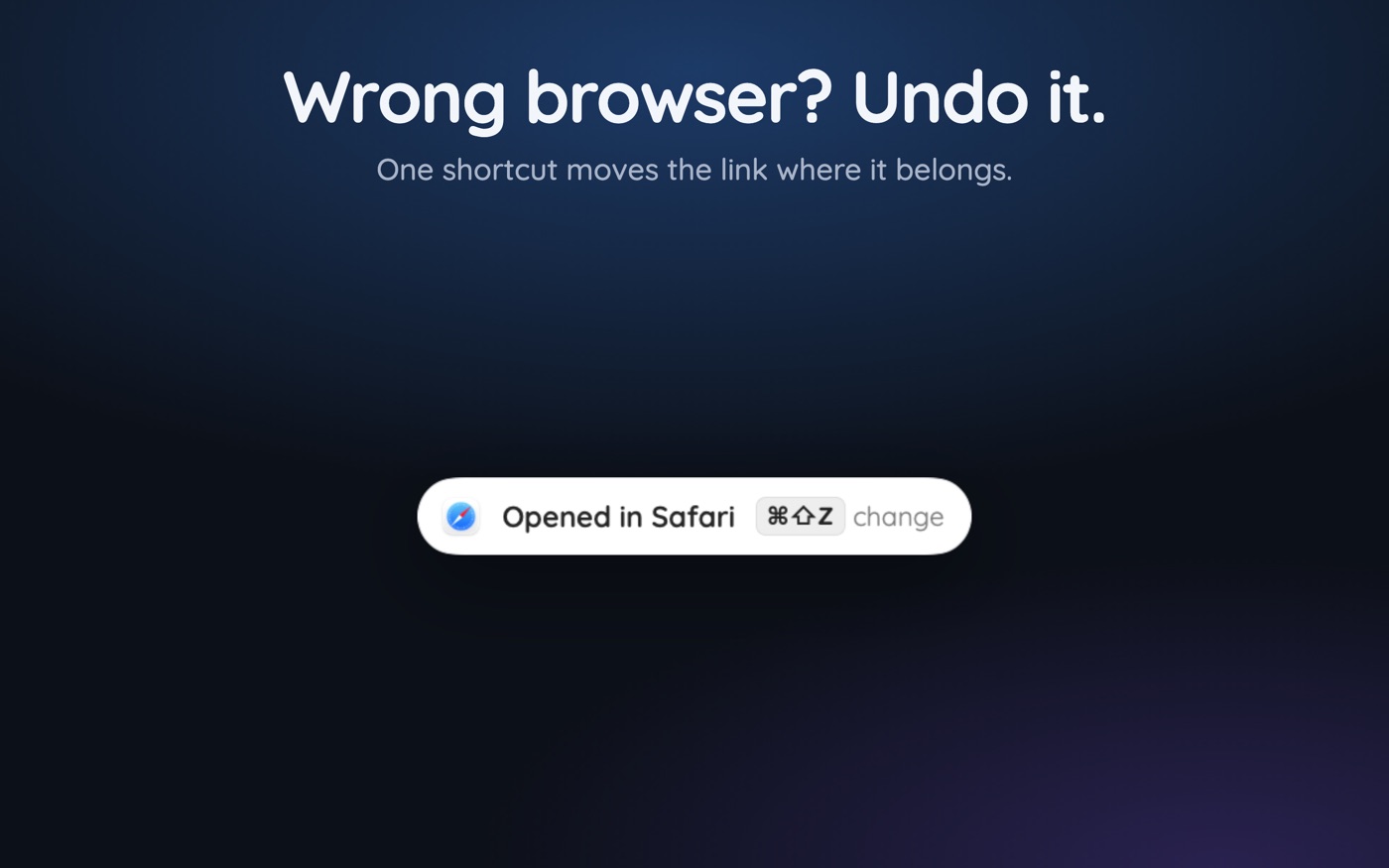
- It adds an escape hatch — an undo for the link that went the wrong way.
How does a browser picker work technically?
macOS routes URLs through Launch Services. An app declares the schemes it handles in its `Info.plist` under `CFBundleURLTypes`, and the chosen default handler per scheme is recorded in `~/Library/Preferences/com.apple.LaunchServices/com.apple.launchservices.secure.plist`. A picker declares itself a viewer for `http` and `https` exactly as Safari and Chrome do, which is why it appears in the default-browser dropdown alongside real browsers.
When any app opens a link, macOS delivers a Get URL Apple event to whichever app holds that handler. The picker receives the URL, and — this is what makes source rules possible — the event carries the sender's process identifier, so the picker can tell the link arrived from Mail rather than from Slack. It then launches the chosen browser, much as `open -a "Google Chrome" https://example.com` would.
Everything after that is the router's own logic: match the domain against saved rules, match the source app, rewrite the URL if a native app handles it better, or fall through to the picker. Because the work is local matching against a rules list, there is no perceptible delay and no reason for any of it to leave the Mac. If your Mac keeps sending links to Safari, the same Launch Services layer is where that problem lives.
Prompt, rules, or copy-paste: which approach is right?
There are only three real strategies for getting a link into the right browser, and most people are already using the worst one.
| Approach | How it feels | Best for | Where it breaks |
|---|---|---|---|
| Prompt every time | A menu on every click; total control | An unpredictable link mix, or your first week | Tiring once patterns emerge |
| Silent rules | Nothing visible; links just land correctly | Stable patterns: known domains, known source apps | A new, unmatched site still needs a decision |
| Manual copy-paste | Copy link, switch app, paste, Return | Nothing — it is the fallback everyone defaults to | Slow, and you forget which browser you meant |
The useful combination is the first two: prompt while you learn your own patterns, and convert each repeated answer into a rule as you notice it. That is why pickers make rule creation a modifier on the choice you were making anyway — Option while picking saves the decision for that site, Option and Shift saves it for the app the link came from. After a fortnight only genuinely new links ask anything.
Who actually needs a browser picker?
Four groups get real value, and the common thread is that they already keep more than one browsing context.
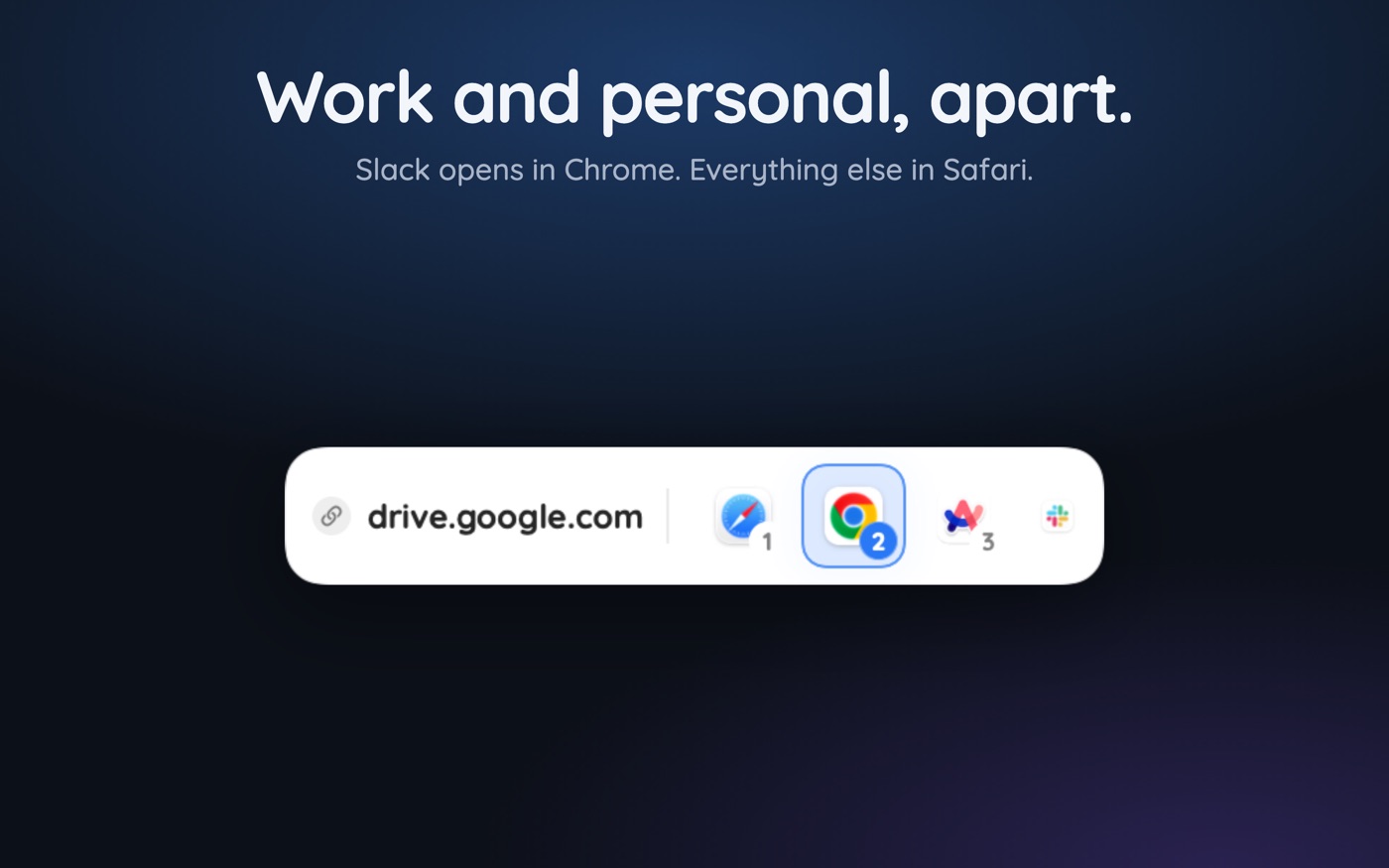
- Anyone with a work and a personal context. One Google account for the job, one for life, and a link from chat that must not open in the household browser — the full pattern is in separating work and personal browsers.
- Developers and QA. Testing one URL across Safari, Chrome, and Firefox is a picker's ideal workload, and a localhost rule keeps development URLs in the browser with the right devtools state.
- People with several Chrome profiles. Profiles are the real unit of identity, and a router that names a profile beats one that only names an application.
- Anyone in Microsoft apps all day. Outlook and Teams override the system default entirely — covered in Outlook and Teams links opening in the wrong browser.
Who does not need one?
If you have one browser, one identity, and no reason to split anything, a picker adds a decision where none existed. The same is true if you live inside a single browser's own profile switcher and rarely click links from outside it — the friction a router removes is specifically the friction of links arriving from *other* apps.
It is also the wrong tool for two adjacent problems. If macOS keeps reverting your default browser, that is a Launch Services issue with its own fix. And if you only want to open a single link in a different browser now and then, dragging the link onto a browser in the Dock already does it for free.
What should you look for in one?
The category is small and the apps differ more than the screenshots suggest. The features that matter after a month are rarely the ones advertised first.
- Rules on both axes — by destination site and by source app. Site-only rules leave half the problem unsolved.
- Chrome profile targeting, not just Chrome. A rule that opens the wrong profile is barely better than no rule.
- A fast undo. Every router misroutes eventually, and a keyboard shortcut that reopens the link elsewhere is what makes silent rules safe to trust.
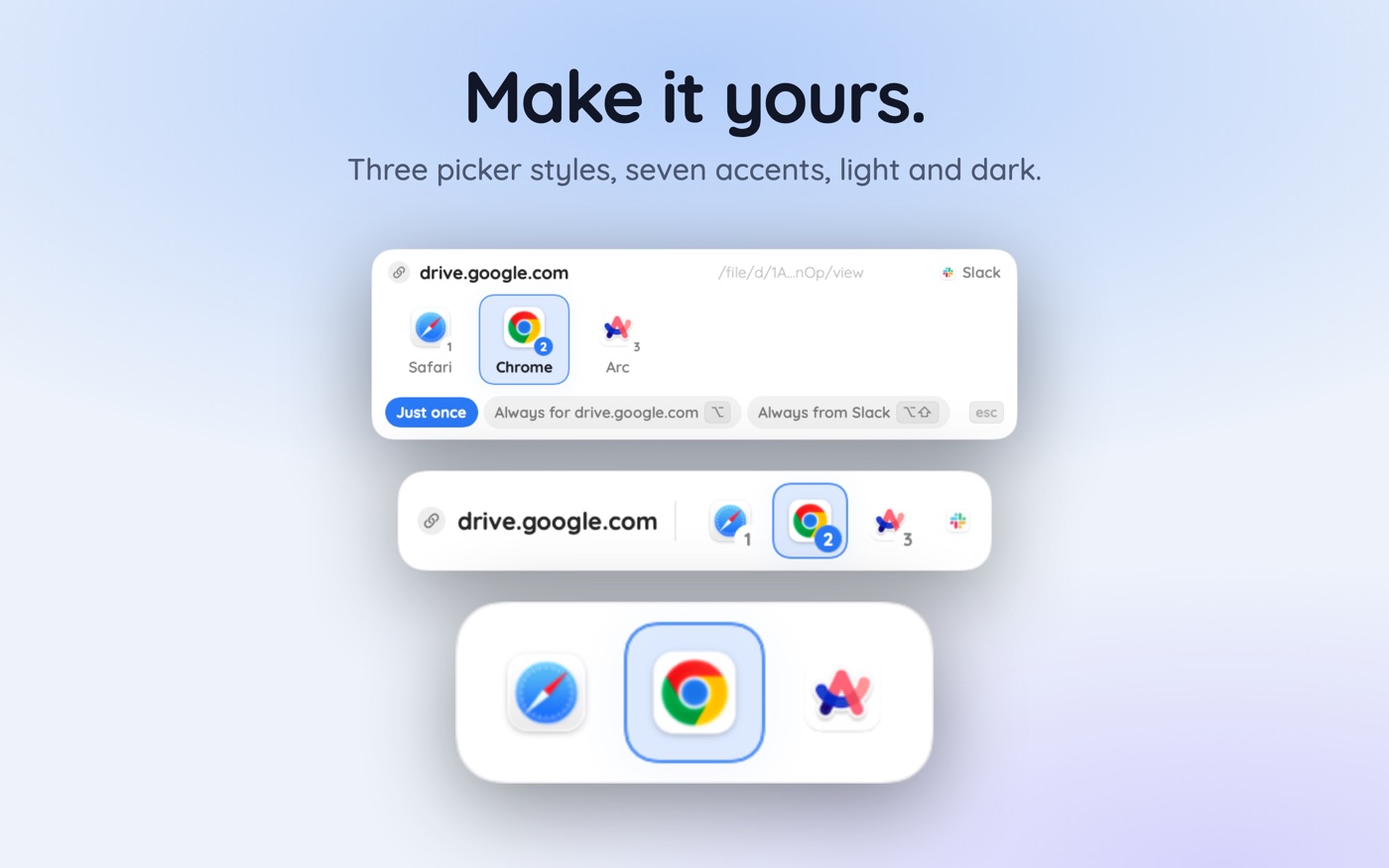
- Appearance that suits your Mac — picker layout, accent colour, light and dark — because this panel appears dozens of times a day.
- Local-only operation: no account, no telemetry, nothing about your links leaving the machine.
That last point deserves the weight. A picker sees every link you open, which is a more complete record of a day than most browser histories. A browser picker like Hoplink keeps its rules on the Mac with no account and no analytics, which is the baseline the category should be held to rather than a bonus.
Key takeaways
- A browser picker registers as the default handler for http and https, then forwards each link to a real browser.
- The Get URL Apple event carries the sending app's process id, which is what makes per-source rules possible.
- Prompting and silent rules complement each other: prompt while learning, promote repeated answers to rules.
- The clearest beneficiaries are split work and personal identities, developers, and heavy Chrome-profile users.
- Skip it if you run one browser and one identity — it adds a decision that did not previously exist.
- Judge candidates on source rules, profile targeting, a fast undo, and whether anything leaves the Mac.
Skip the guesswork — scan it
Hoplink: every link, your choice — a browser picker for the mac.
Frequently asked questions
What is a browser picker?
A small Mac app that sets itself as the default browser and then shows a menu of your installed browsers whenever you click a link, so you choose the destination at click time. Choices can be saved as rules so future links route without asking.
Does a browser picker slow down opening links?
Not meaningfully. The router matches the URL against a local rules list and launches the chosen browser, which is the same launch the system would have performed anyway. The only added time is your own, on links where you asked to be prompted.
Is a browser picker a browser?
No. It has no rendering engine, stores no pages, and keeps no history of its own. It declares itself a handler for http and https so macOS delivers links to it, then immediately hands each URL to a real browser you already have installed.
Can it tell which app a link came from?
Yes. The Apple event macOS uses to deliver a URL includes the sending process, so the router knows a link arrived from Mail rather than Slack. That is what makes rules like send everything from the work chat app to the work profile possible.
Do I still need to set a default browser in macOS?
You set the picker itself as the default browser — that is how it receives links at all. Your real browsers stay installed and unchanged; the picker simply sits in front of them and decides which one each individual link should reach.
Is it safe to let an app see every link I open?
It is the central question for the category. A router necessarily sees every URL you click, so choose one that keeps rules and history on the Mac with no account and no analytics. Local-only operation should be verifiable rather than merely claimed.
Written by the Toscan Apps Team
We build AI identifier apps and test them against the real world daily — estate-sale furniture, garden soil, drawer-found seeds, lumber-yard offcuts, and houseplants included. Guides are checked against field references and refreshed as our models improve.